Spaces are here! 🎉
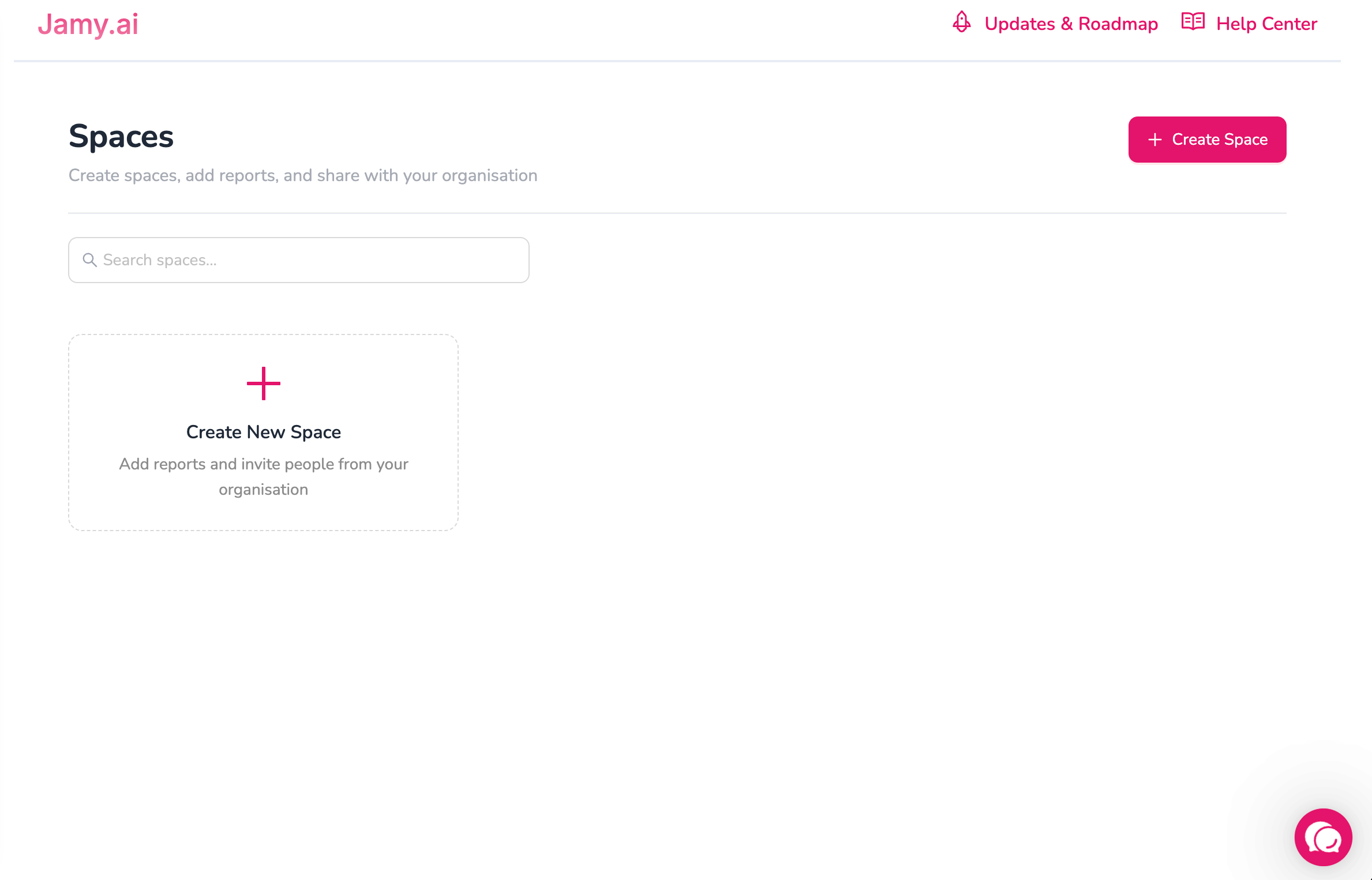
You can now organize reports into shared Spaces with clear ownership and access control.
✨ What’s New
Create Spaces to group and manage reports with your team
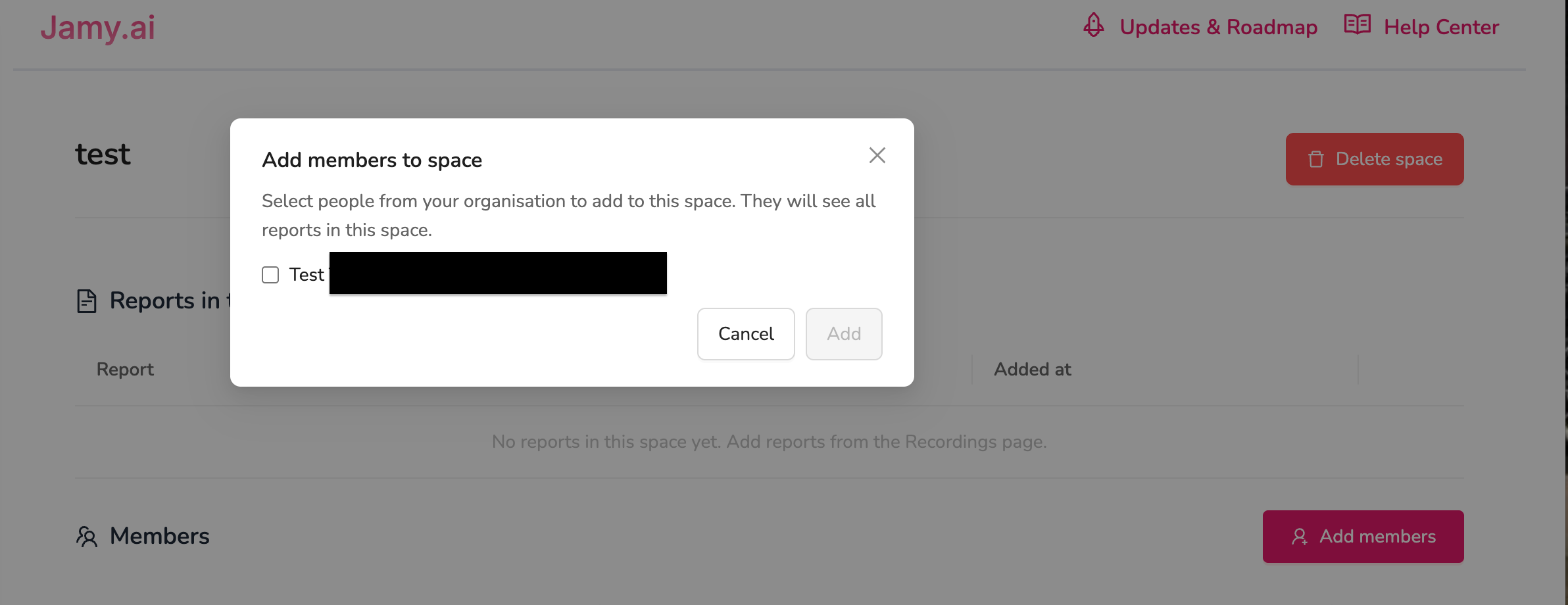
Invite organisation members to Spaces
- Only users from the same organisation can be added to a Space.
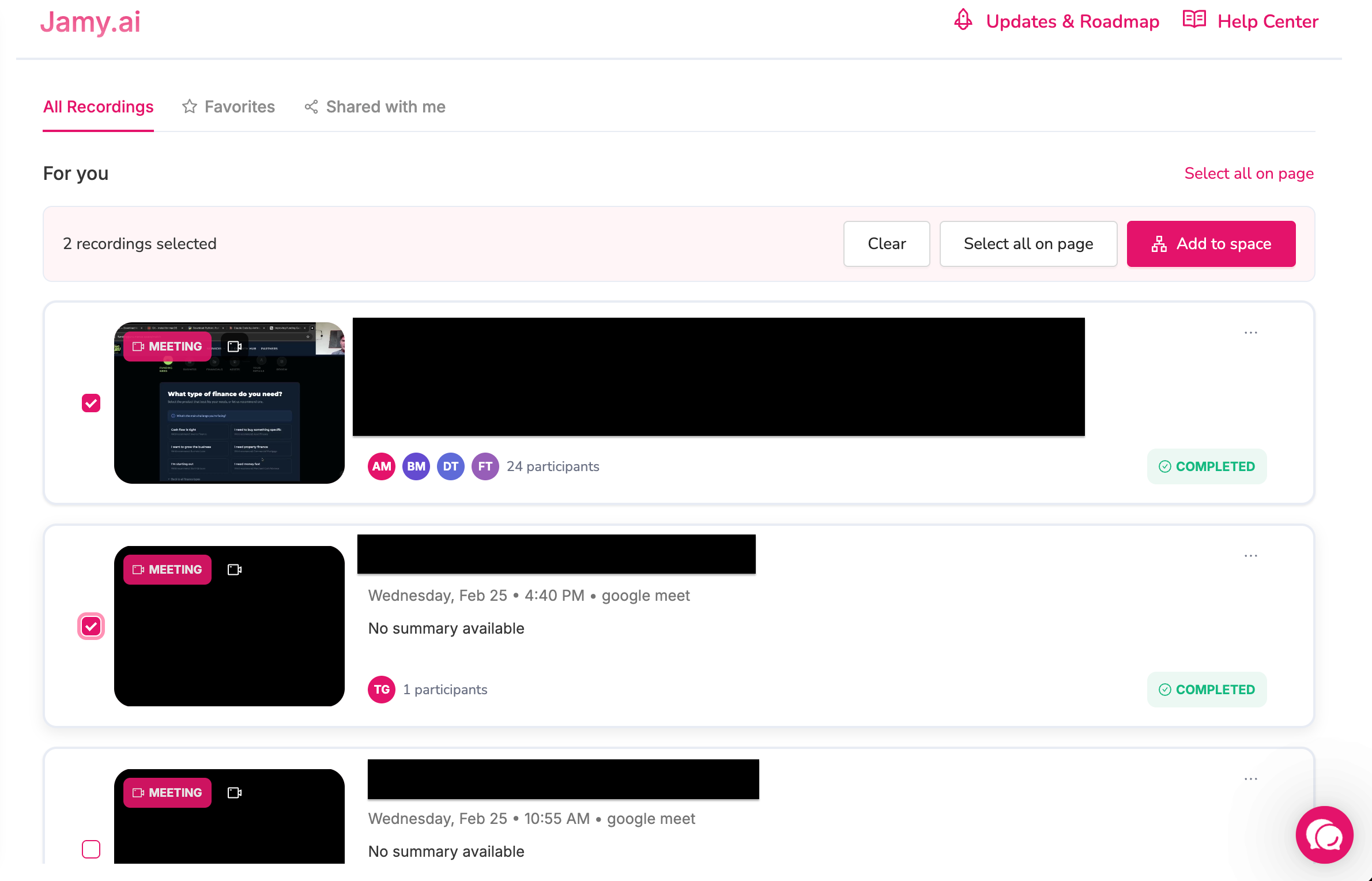
- All reports shared within a Space are accessible to every member of that Space.Add reports to Spaces from:
Recordings page (bulk add)
Report details page (single add)
Anyone in a Space can add reports
Any user who is a member of a Space can upload or add reports to that Space.Remove reports from Spaces
Space Owners can remove any report from the Space
Report Owners can remove only their own reports
Leave a Space anytime your added reports stay in the Space
🔐 Permissions & Access
Space creators are Owners and have full control
Only Space Owners can:
Add or remove members
Delete a Space
Anyone with Space access can add reports
Report editing is owner-only
Others have view-only
✅ Why this matters
Spaces make collaboration easier while keeping your data secure and ownership crystal clear.