
Updates

Follow new updates and improvements to Jamy.

🎨 New: Personalize Your Jamy Bot with a Custom Image
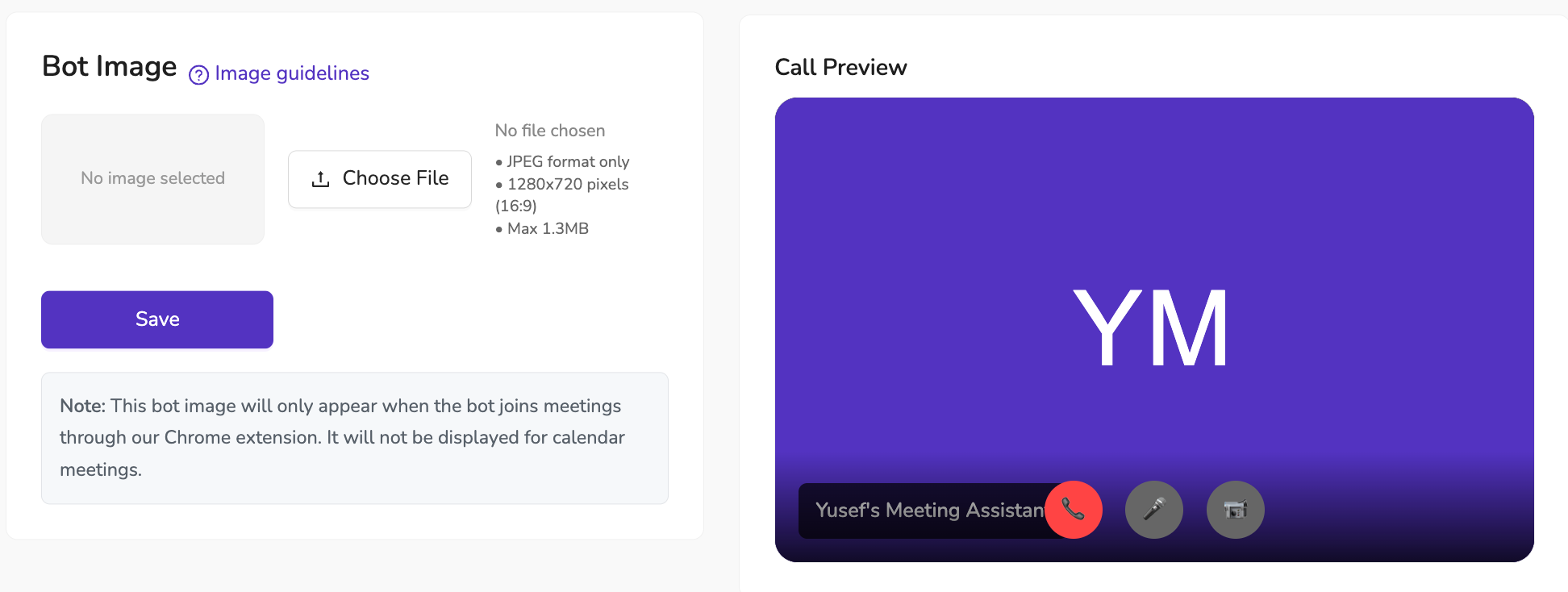
We’ve just added a new way to make your Jamy Meeting Assistant truly yours — you can now upload a custom image that will be displayed when the bot joins a call.

📌 How it works

  • The image appears when Jamy joins meetings via our Chrome extension

  • Supports JPEG format, 1280x720 (16:9), up to 1.3MB

  • Each user in your organization can set their own image, making Jamy unique to them

✨ Why it matters

Personalization isn’t just about looks — it helps your meetings feel more professional, on-brand, and recognizable to your participants. Whether you choose your company logo, a team mascot, or something fun, it’s an easy way to make Jamy stand out.

💡 Available to all plans — no upgrade needed.

📍 To set yours: Go to Settings → Branding & Customizations → Bot , upload, save, and Jamy will show your style in the next meeting.
New

📞 New: Buy Your Own Custom Phone Number in Jamy

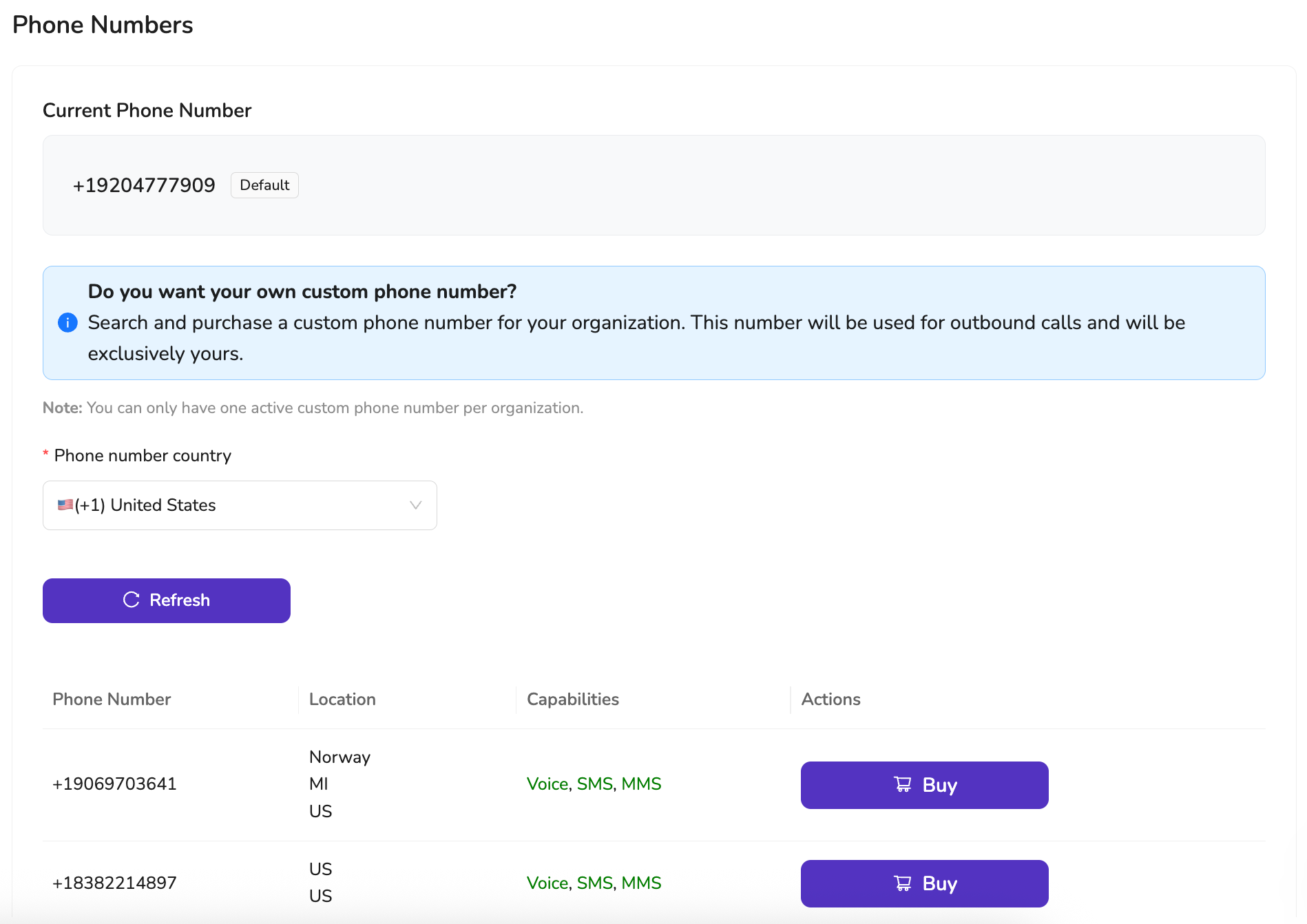
Say goodbye to generic shared numbers—Jamy now lets you purchase your own exclusive phone number for outbound calls. More professional. More reliable. More yours.


🌍 Why It Matters:

✅ Professional Identity — Make calls from a dedicated number with your own area code and country

✅ No more shared numbers — Your number won’t be used by anyone else

✅ Fewer missed calls — People are more likely to pick up calls from consistent, local numbers

✅ Perfect for teams — Assign a number per user or per role, like sales, support, or client onboarding

✅ Seamless experience — Works across Jamy’s browser-based calling just like always


🛠 How to Get Started:

  1. Go to Settings > Phone Numbers or go to https://app.jamy.ai/settings/phonenumbers

  2. Choose your country

  3. Buy and activate your exclusive number in seconds


Your number. Your region. Your voice.

Get started today and give your outbound calls the professional edge they deserve.

—

The Jamy Team 💜

New

🧩 New: Jamy Chrome Extension for Ad Hoc Meetings Is Here!

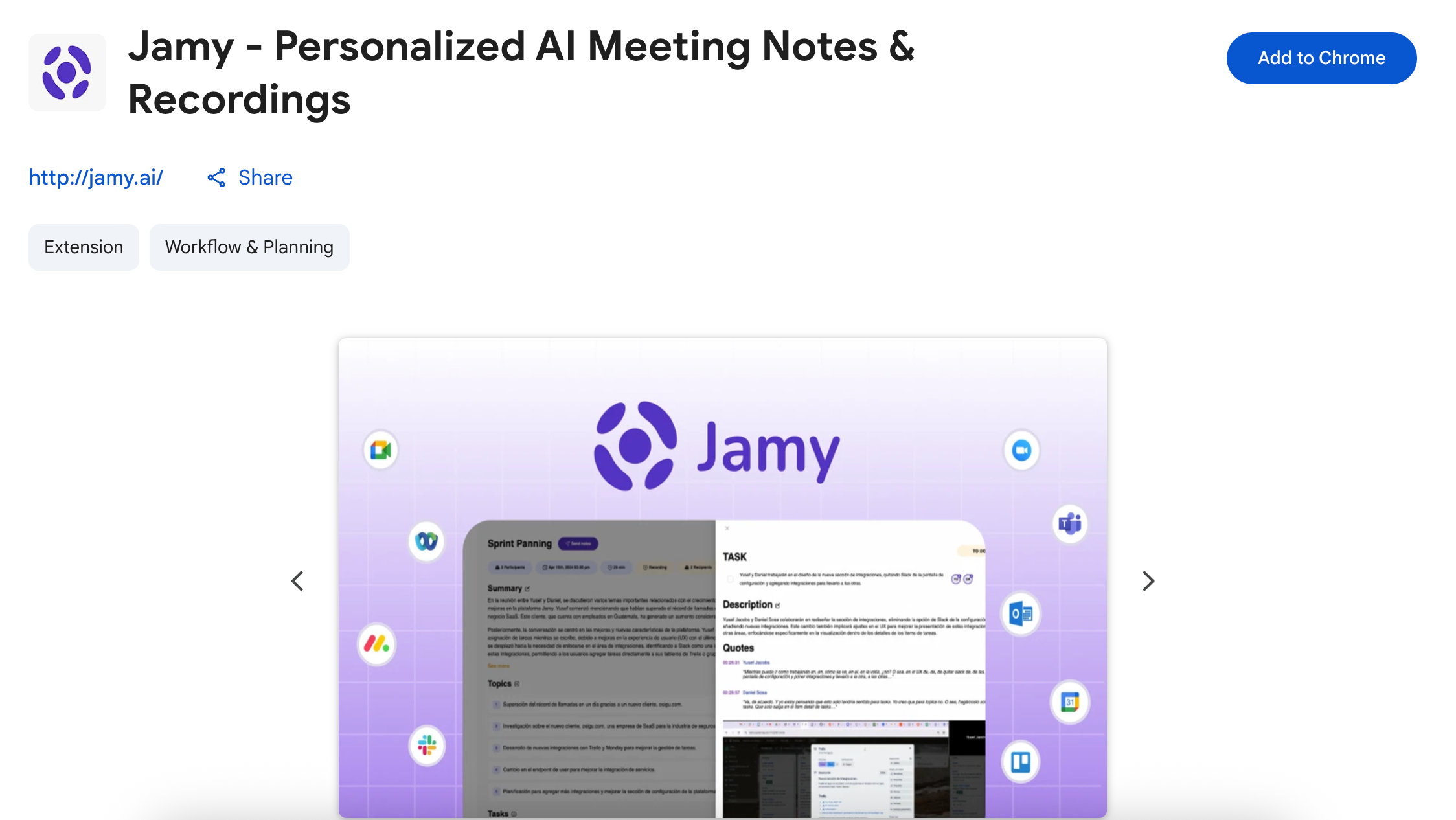
No calendar invite? No problem. With the new Jamy Chrome Extension, you can now add Jamy to any instant meeting—on Google Meet, Zoom, Microsoft Teams, or Webex—with just one click. ⚡

Whether you’re jumping into an unexpected call or hosting an impromptu sync, Jamy’s got your back.

Learn how to use our Chrome extension by reading this article.

Install the chrome extension here.


🧠 What Jamy Chrome Extension Does for You:

  • ✅ Detects ad hoc meetings and offers to join in one click

  • ✅ Records & transcribes your call automatically

  • ✅ Summarizes your meeting with action items, decisions, and highlights

  • ✅ Sends notes directly to your tools like Slack, Trello, Notion, and more

  • ✅ Works only when you choose — fully privacy-first and under your control


⚙️ How It Works:

  1. Start or join any meeting on Google Meet, Zoom, Teams, or Webex

  2. Jamy’s smart prompt appears, offering to join the call

  3. Click once, and Jamy handles the rest: recording, summarizing, and sending notes to your tools


📍 Available now in the Chrome Web Store — here.

Make your spontaneous calls just as productive as the scheduled ones.

Try it out and never lose the details again!

—

The Jamy Team 💜

New

Earlier updates